The Aura system is a two-piece sensing kit that brings room-level intelligence to any split AC. Follow this guide to assemble and mount the hardware — software pairing comes next.
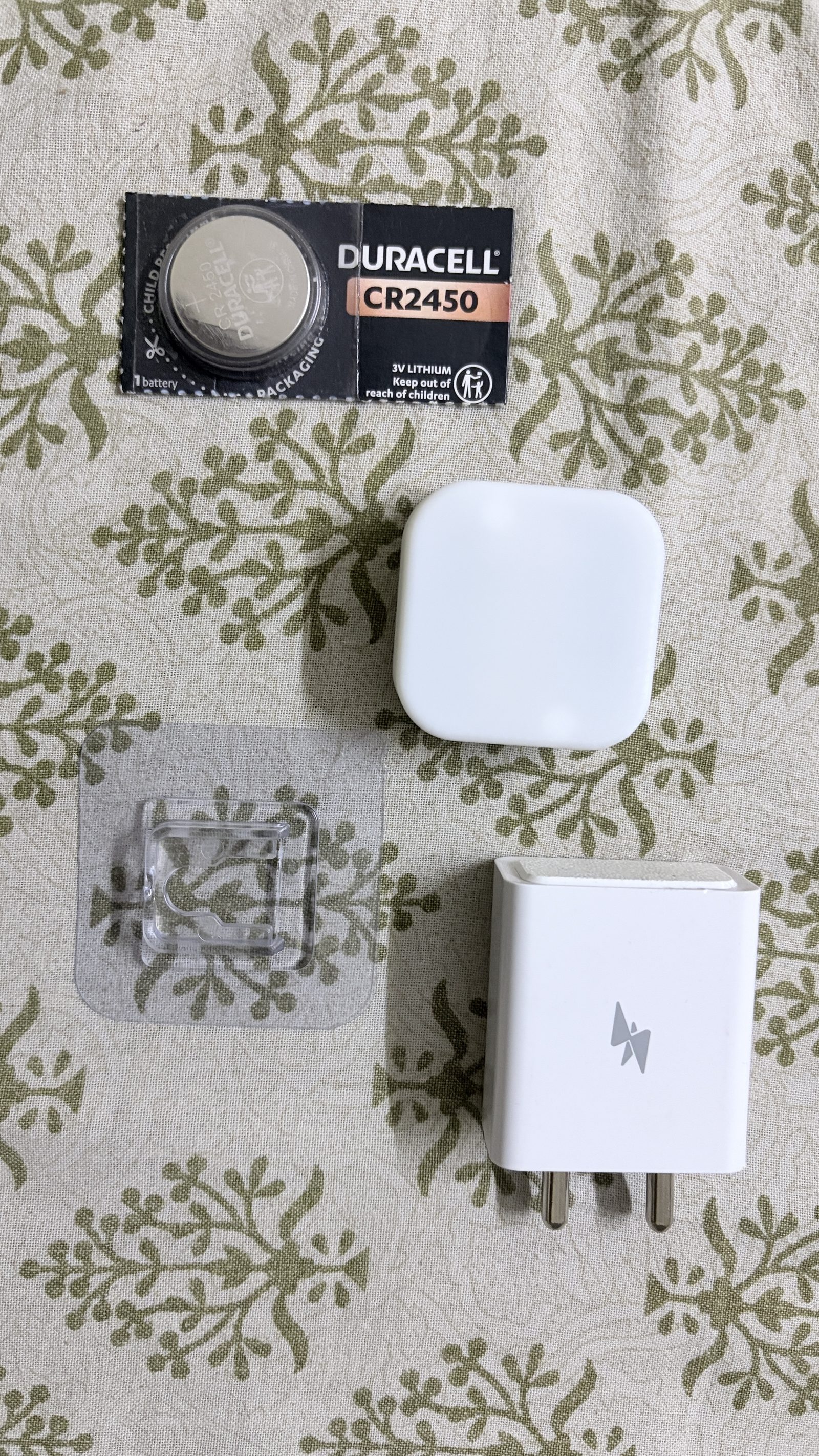
Open the kit and confirm all four items are present. If anything's missing, get in touch before continuing.
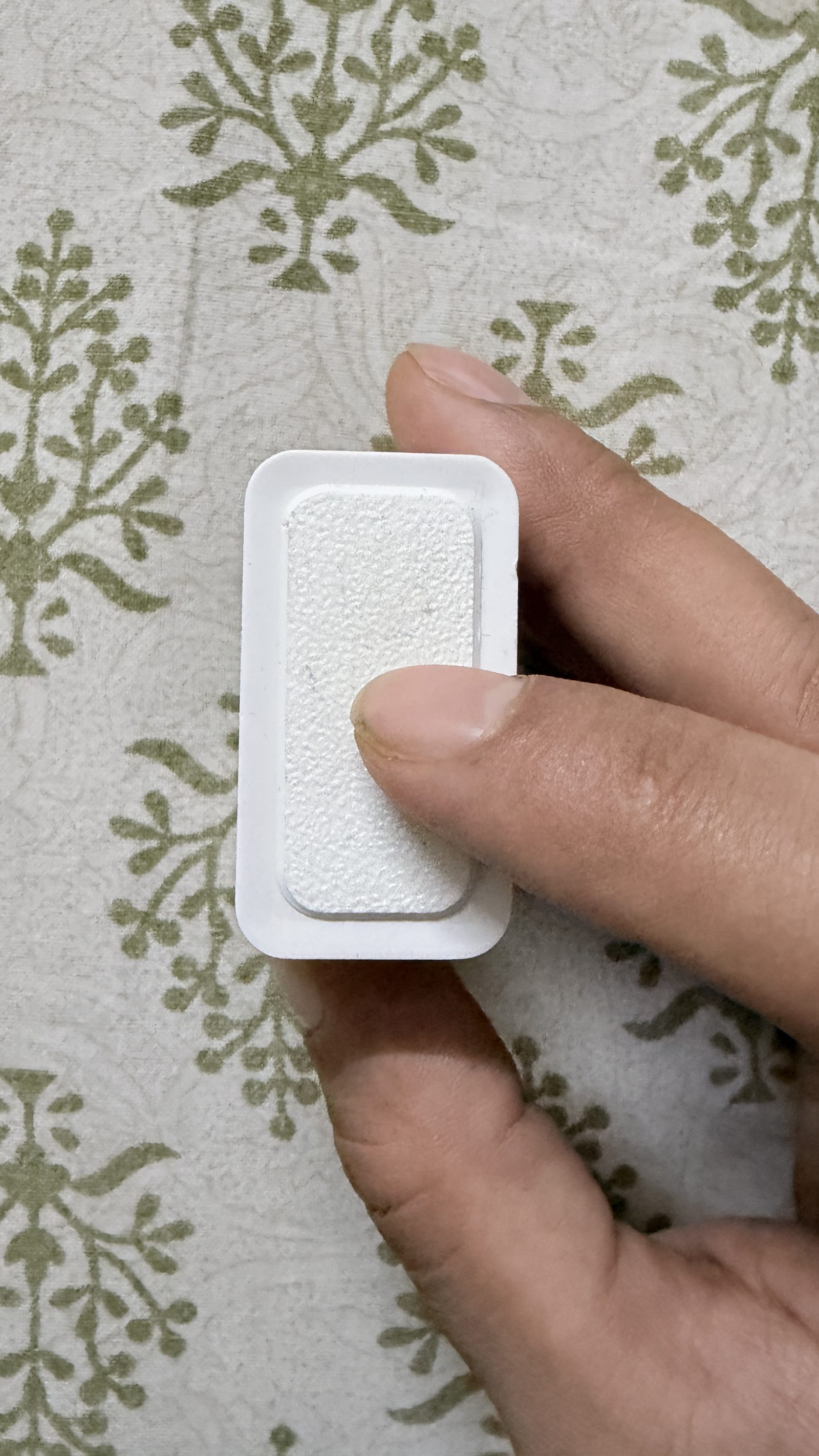
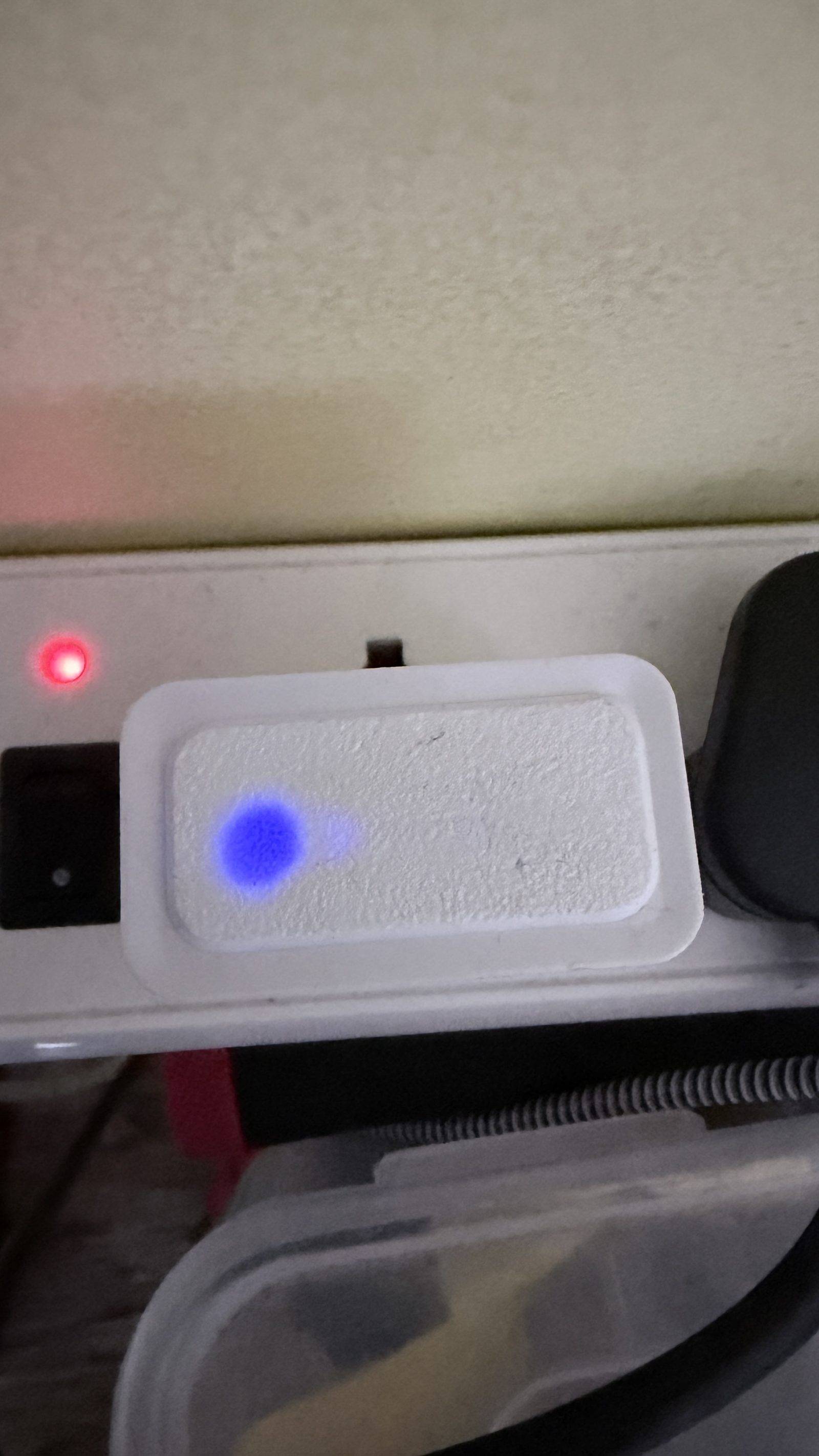
The Core is the brain of the system. Pick a wall outlet as close to your Wi-Fi router as is practical — co-locating the two delivers the most reliable link and the cleanest mesh hand-off to nearby Dots.
Once it's plugged in, you should see a soft blue glow pulse through the white front plate. That's provisioning mode — the Core is broadcasting and ready to be paired in Part 2.
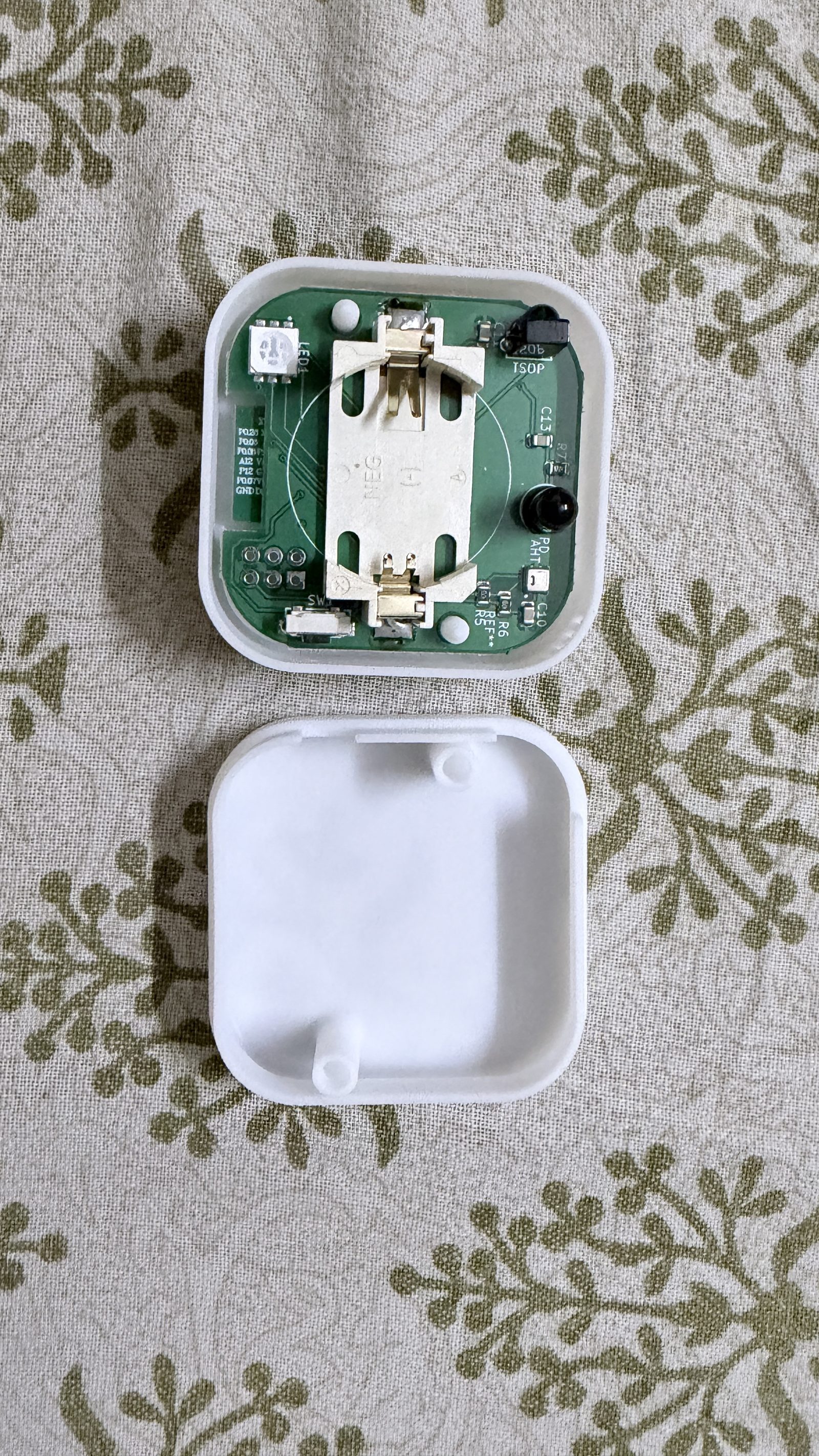
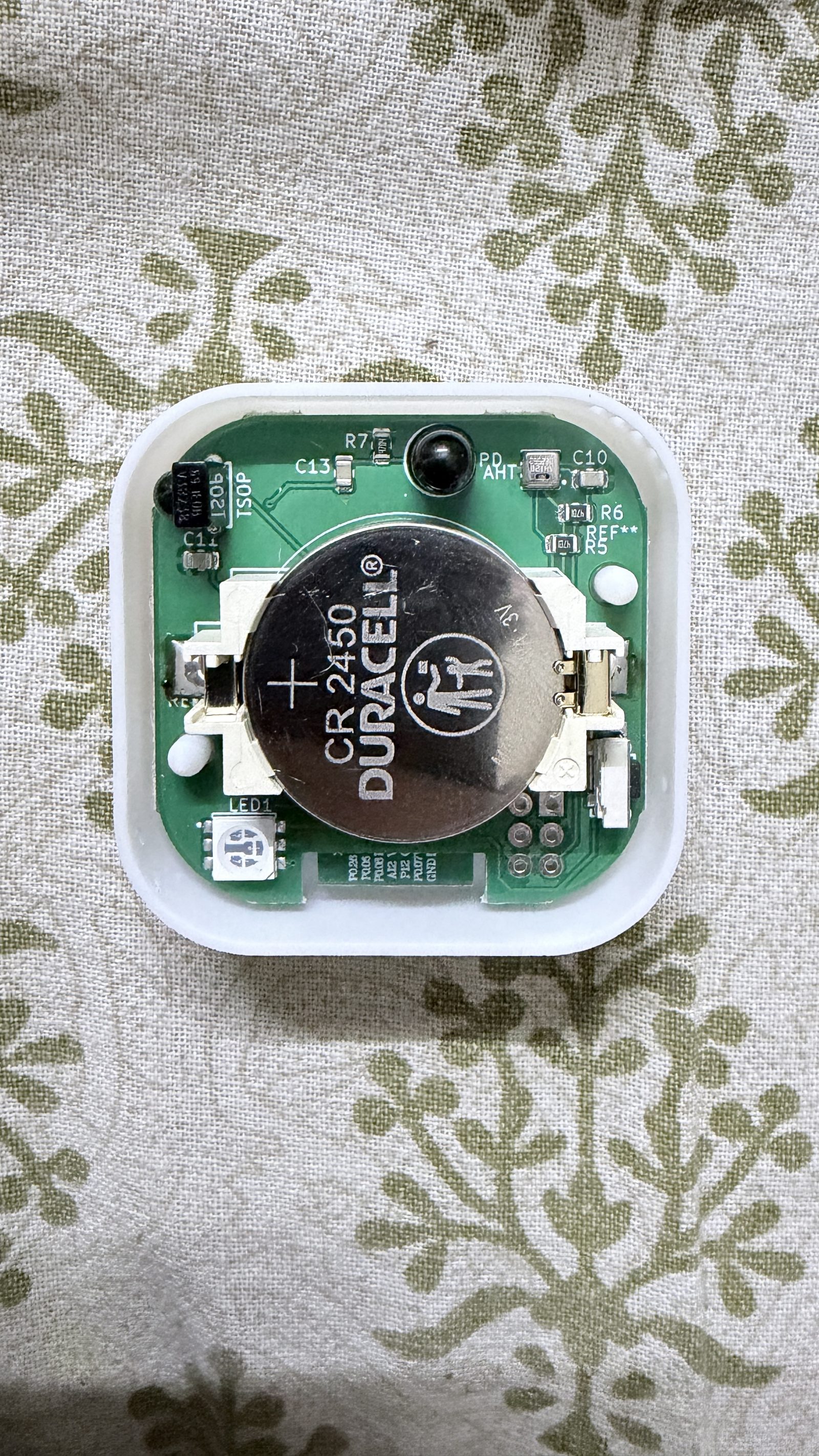
Pop the Dot's enclosure open. Inside you'll see the holder for a CR2450 — the same coin cell that ships in the kit.
Slide the battery in with the positive (+) face up, toward you. There's no power switch; the Dot wakes the moment contact is made, then sleeps between transmissions to stretch the cell across years of runtime.
Press the lid back on. You should hear a faint click as the alignment pegs seat.
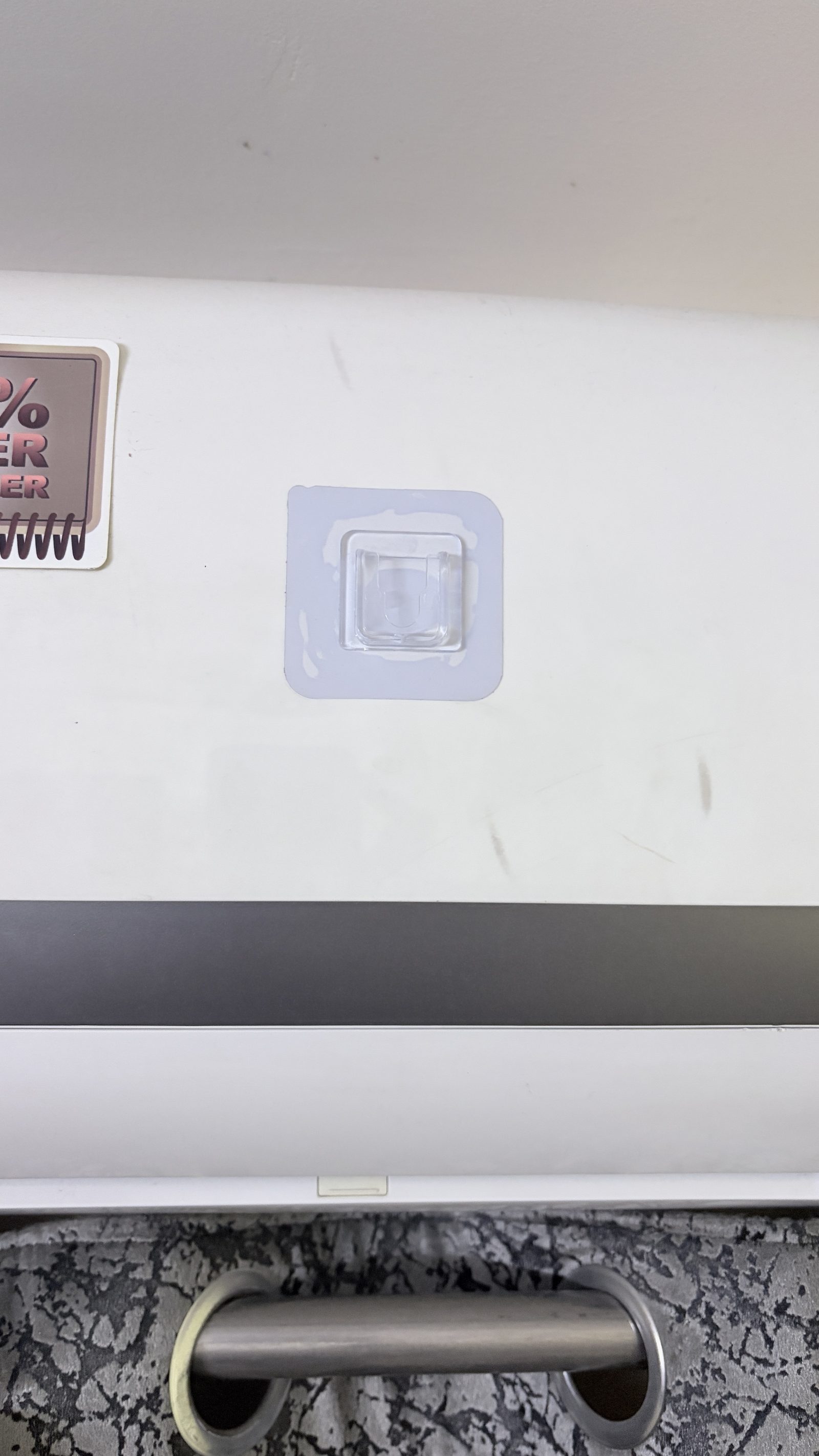
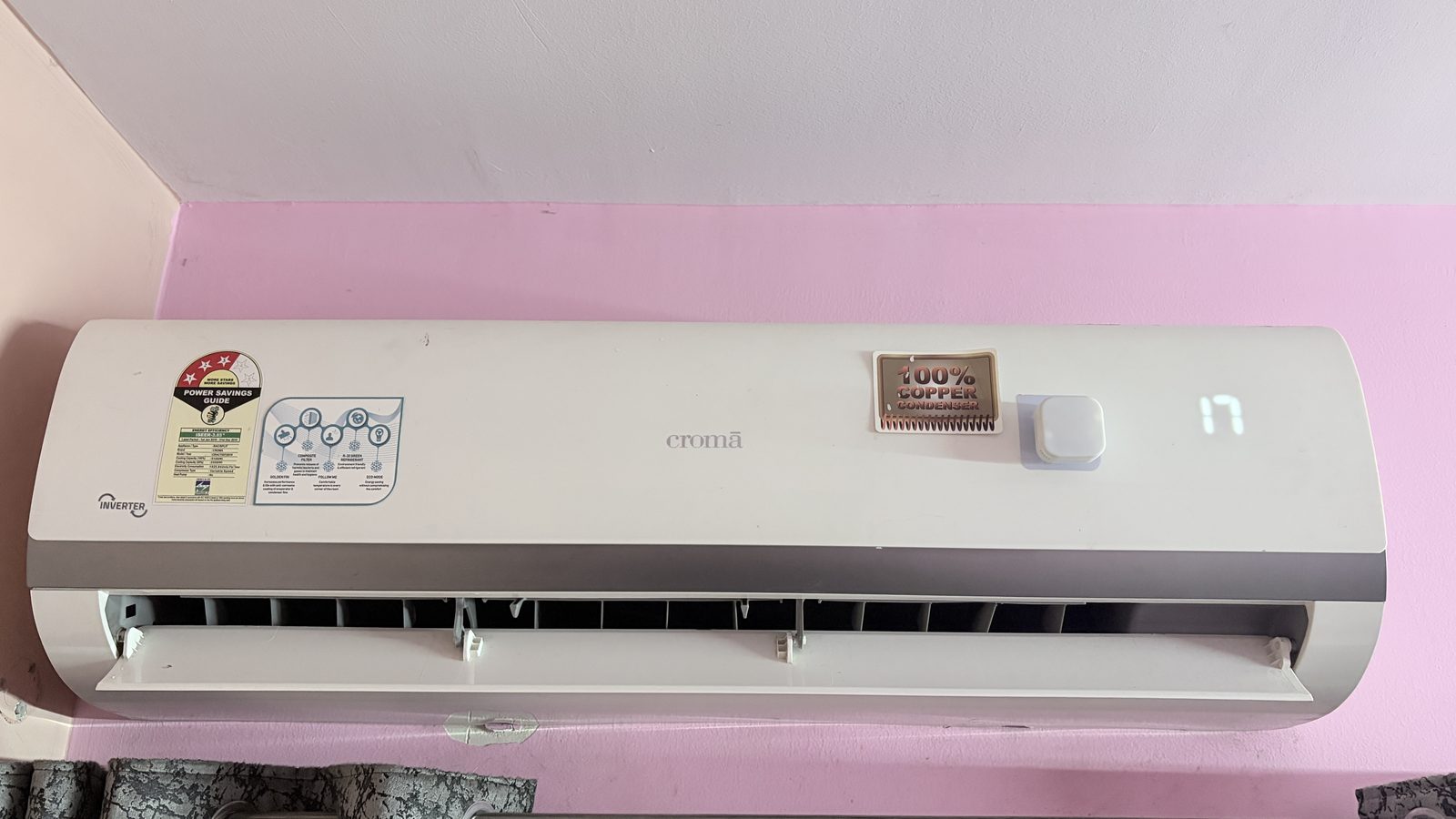
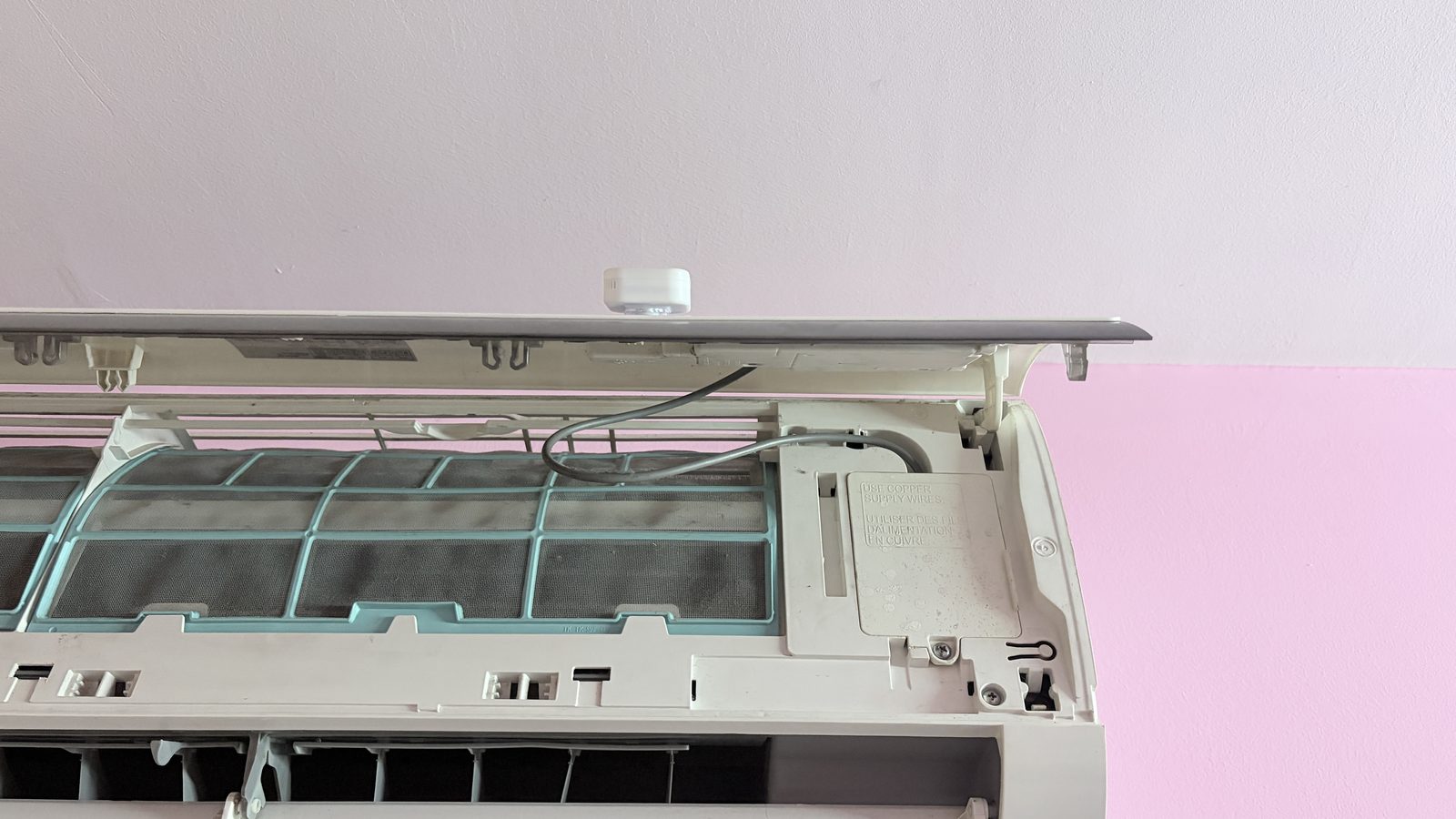
The Dot mounts to your AC's outer shell with a removable adhesive hook. Surface prep is the difference between a hook that holds for years and one that peels off in a week.
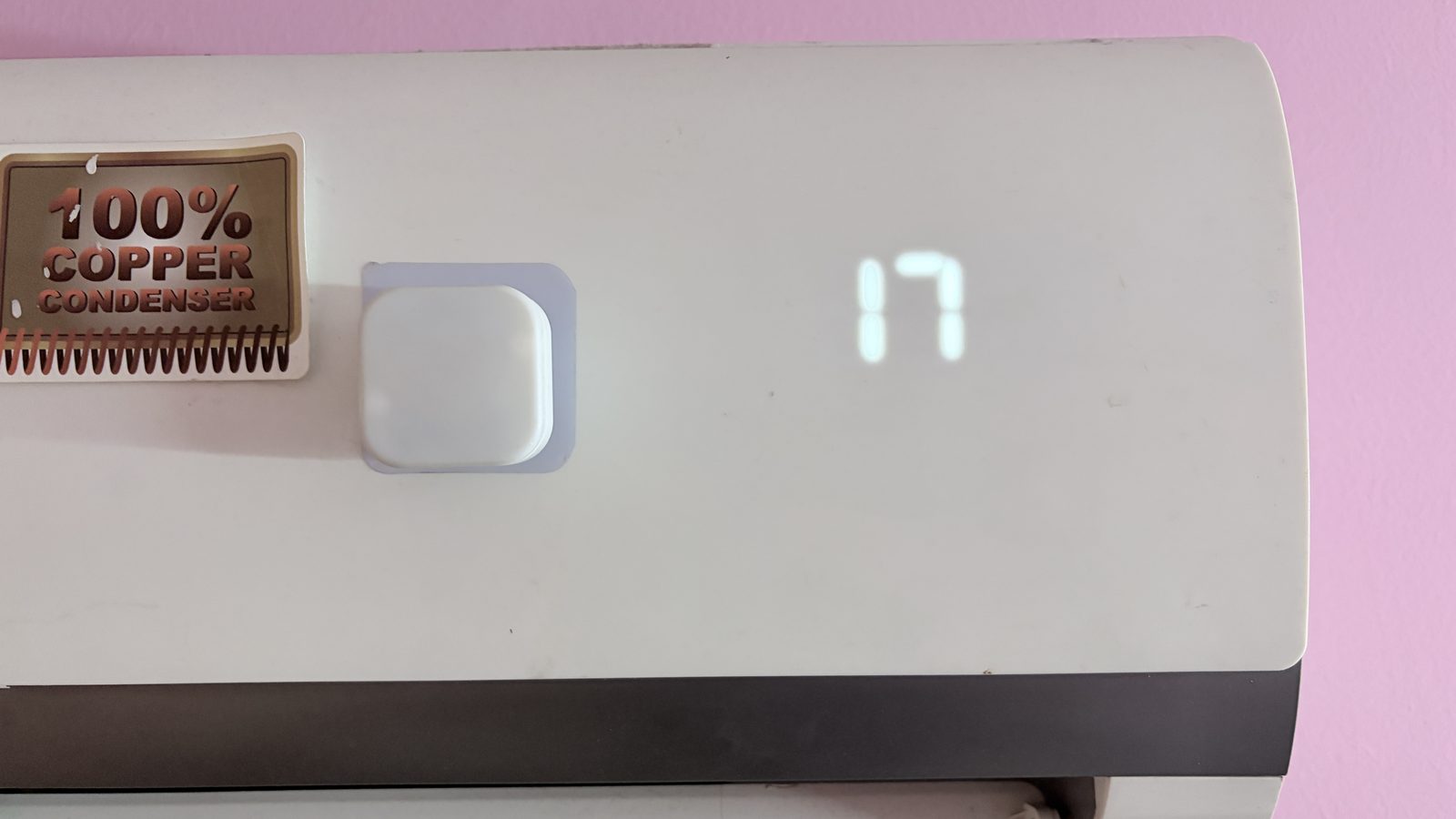
Line up the slot on the back of the Dot with the nub on the hook and slide it down until it stops. There should be a small amount of resistance and then a settle — that's the slot engaging.
Give it a gentle tug. If it doesn't budge, you're set. The hardware side of the install is complete; everything else happens in the app.
The Core uses one RGB LED and one capacitive touch pad to communicate its state. Keep this table close during pairing and the first few hours of operation.